


2011 BMW DVD Nav Disks
 Nov 18, 2010 | 01:19 PM
#12

Thread Starter
| Official Teamspeed Duck's Fan
Joined: Jan 2009
Posts: 2,227


****UPDATE****
From my friend. With this positive report I will be buy one today.
He owns a M6 with IDrive.
1) Get inside your car and press engine start button once without stepping on the brakes.
This is like accessory mode. (Stepping on the brakes will start the car.)
2) Wait about 1 minute for Nav system to boot up.
Once you see maps on your navigation - press eject button to remove your current DVD map.
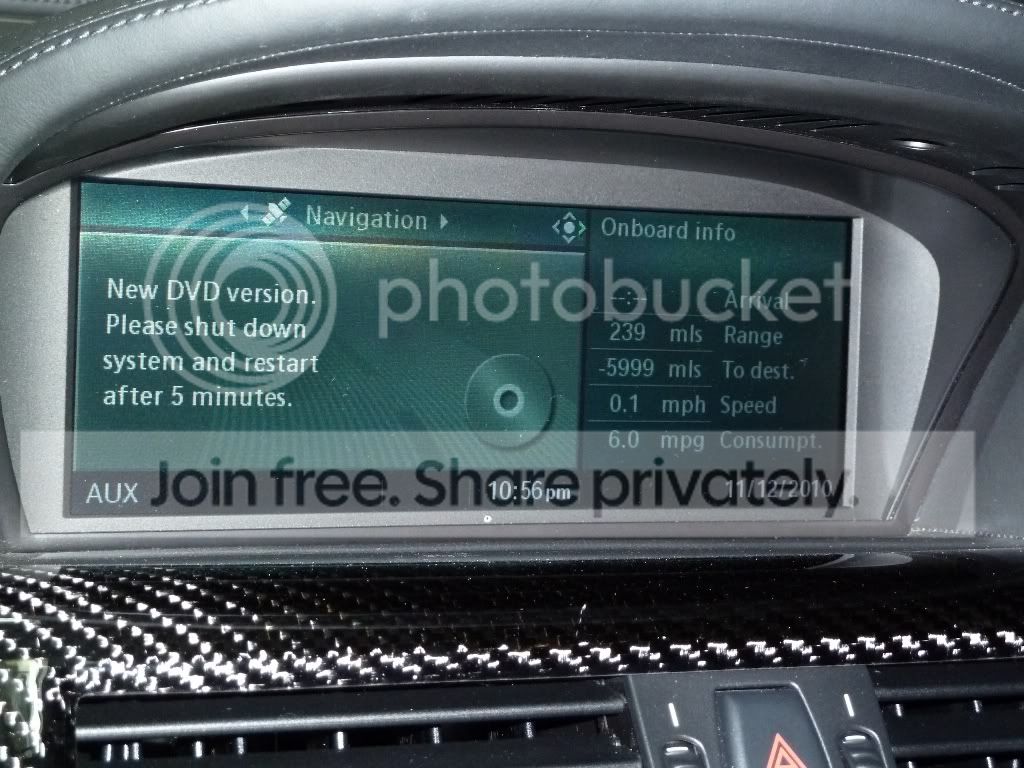
3) First time you insert the DVD, the system will recognize a new version of map.
It will ask you to shutdown your system, wait 5 minutes, then re-start navigation again.
This is because the DVD downloads a new firmware version to the nav drive to support the new DVD map version.
To shut system down, (do not step on the brakes) press engine start button (this is position II on normal engine switch), then press and hold the engine start button again for about 5 seconds. This shuts the system completely down similar to removing the ignition key.
4) Wait 5 minutes, then press engine start button again without stepping on the brakes (accessory mode)
Wait for Navigation to boot up completely. Enjoy!
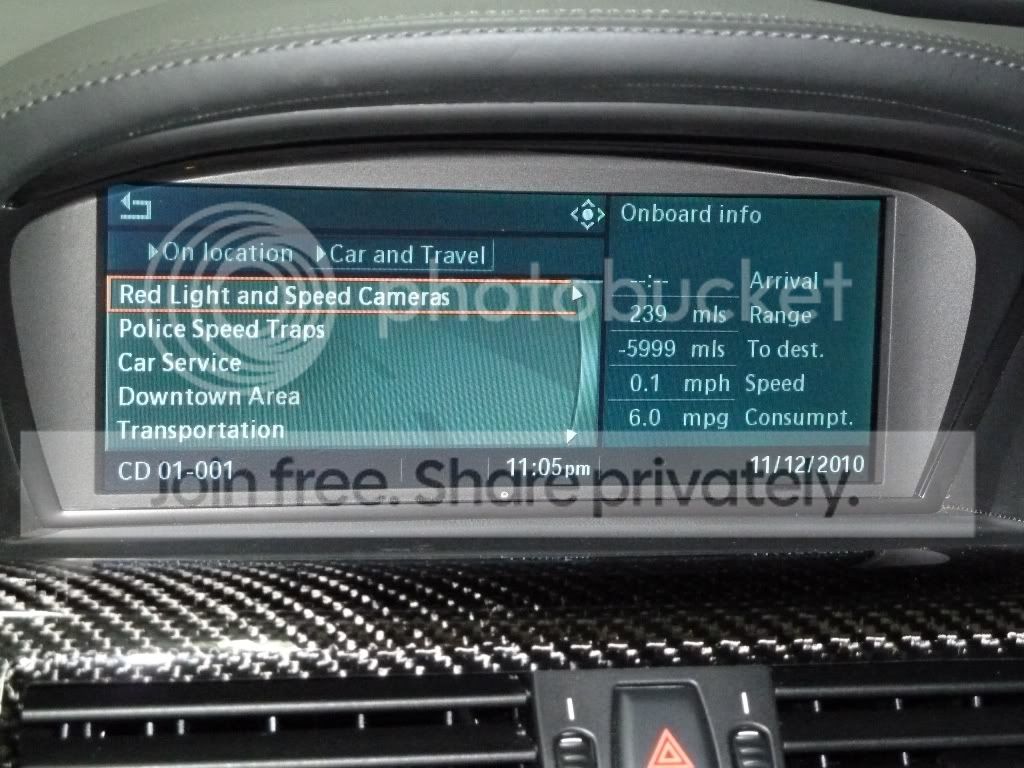
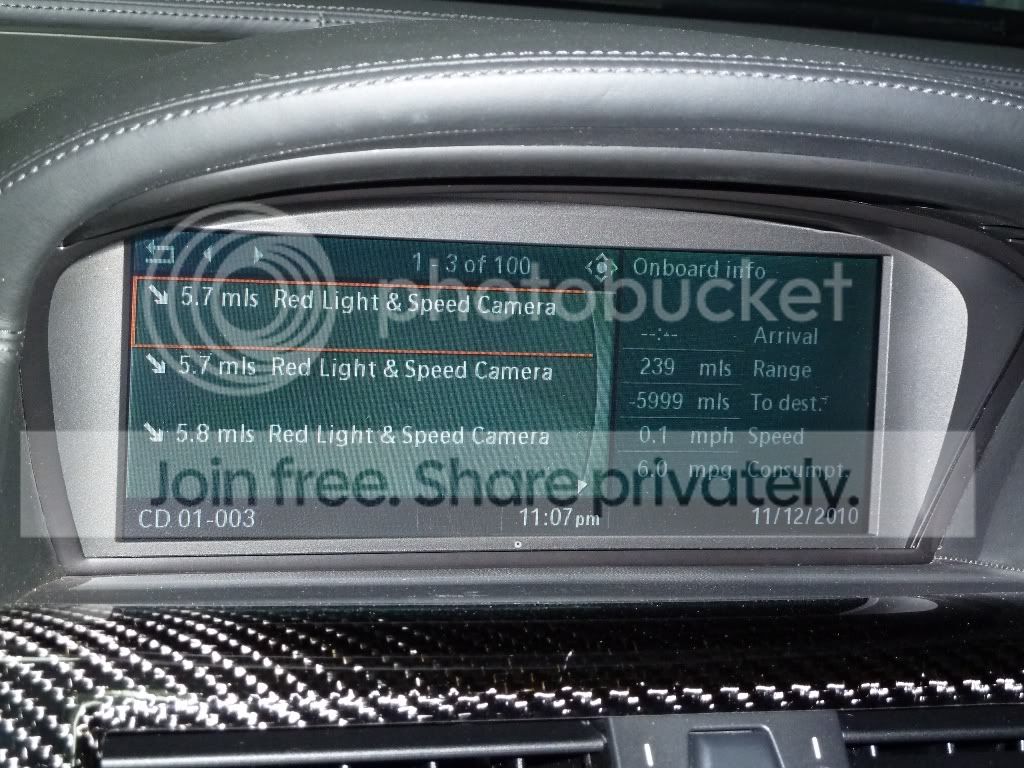
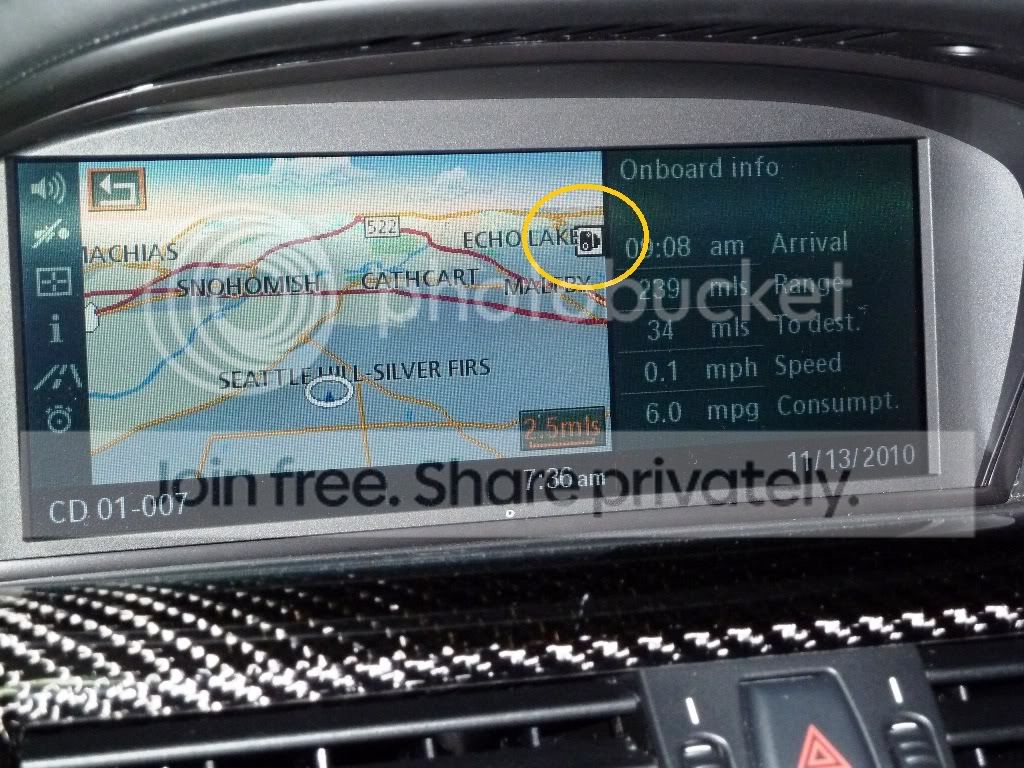
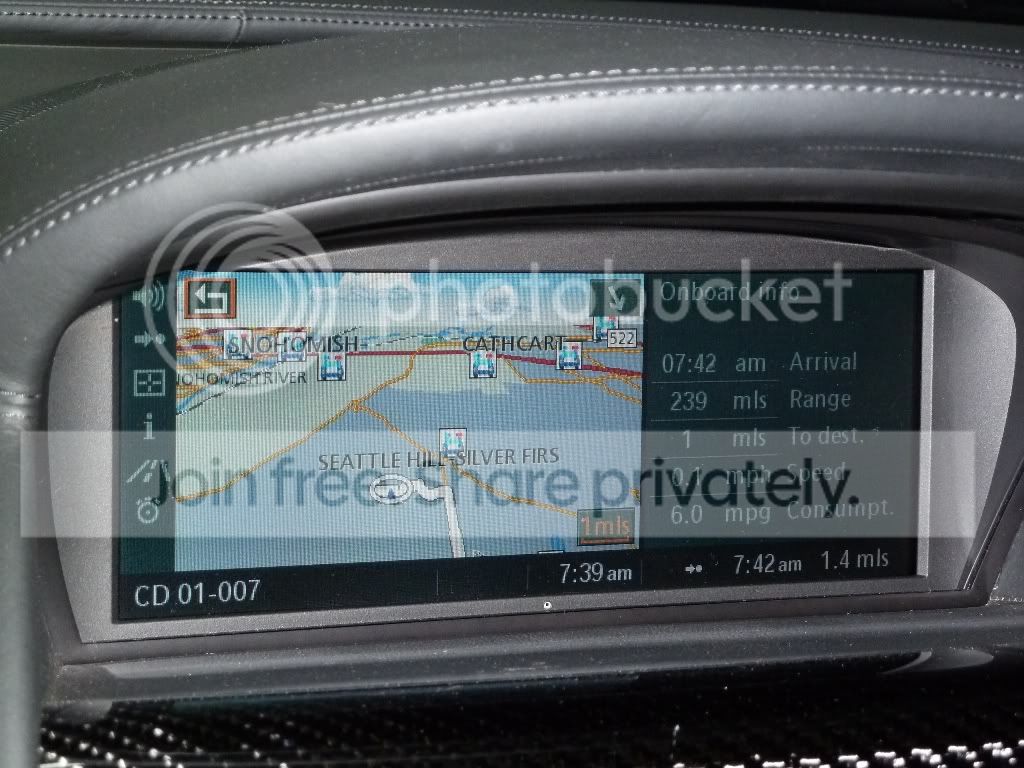
Explore the DVD. If you go to Info mode - you will see red light cameras and speed traps similar to photos below.
Enjoy!
From my friend. With this positive report I will be buy one today.
He owns a M6 with IDrive.
1) Get inside your car and press engine start button once without stepping on the brakes.
This is like accessory mode. (Stepping on the brakes will start the car.)
2) Wait about 1 minute for Nav system to boot up.
Once you see maps on your navigation - press eject button to remove your current DVD map.
3) First time you insert the DVD, the system will recognize a new version of map.
It will ask you to shutdown your system, wait 5 minutes, then re-start navigation again.
This is because the DVD downloads a new firmware version to the nav drive to support the new DVD map version.
To shut system down, (do not step on the brakes) press engine start button (this is position II on normal engine switch), then press and hold the engine start button again for about 5 seconds. This shuts the system completely down similar to removing the ignition key.
4) Wait 5 minutes, then press engine start button again without stepping on the brakes (accessory mode)
Wait for Navigation to boot up completely. Enjoy!
Explore the DVD. If you go to Info mode - you will see red light cameras and speed traps similar to photos below.
Enjoy!

Thread
Thread Starter
Forum
Replies
Last Post
Auto Concierge
Cayenne | Panamera | Macan
5
May 2, 2011 04:20 PM
DJ
Bentley | Rolls Royce | Land Rover
14
Jan 26, 2011 05:19 PM
DJ
AMG
7
Oct 20, 2010 02:25 PM
mtechnik
///M
4
Aug 25, 2010 12:08 AM
Bookmarks


Currently Active Users Viewing This Thread: 1 (0 members and 1 guests)

